Many people install a VPN and instantly feel invisible online. Ads still follow them, accounts still recognise them, and some websites still know roughly who they are. That gap between expectation and reality is the reason this guide exists.
A VPN is a genuinely useful privacy tool, but it is not an invisibility cloak. It protects some things very well, protects others only partly, and does nothing at all for a few of the things people worry about most. This article explains, in plain language, what a VPN actually hides and what it doesn’t, so you can use it with realistic expectations.
What Is a VPN and How Does It Work?
VPN stands for Virtual Private Network. Normally, when you open a website, your device connects to it through your internet service provider (ISP). Your ISP can see which sites you visit, and the website sees your real IP address, which is a number that roughly identifies your network and location.
When you turn on a VPN, three things change:
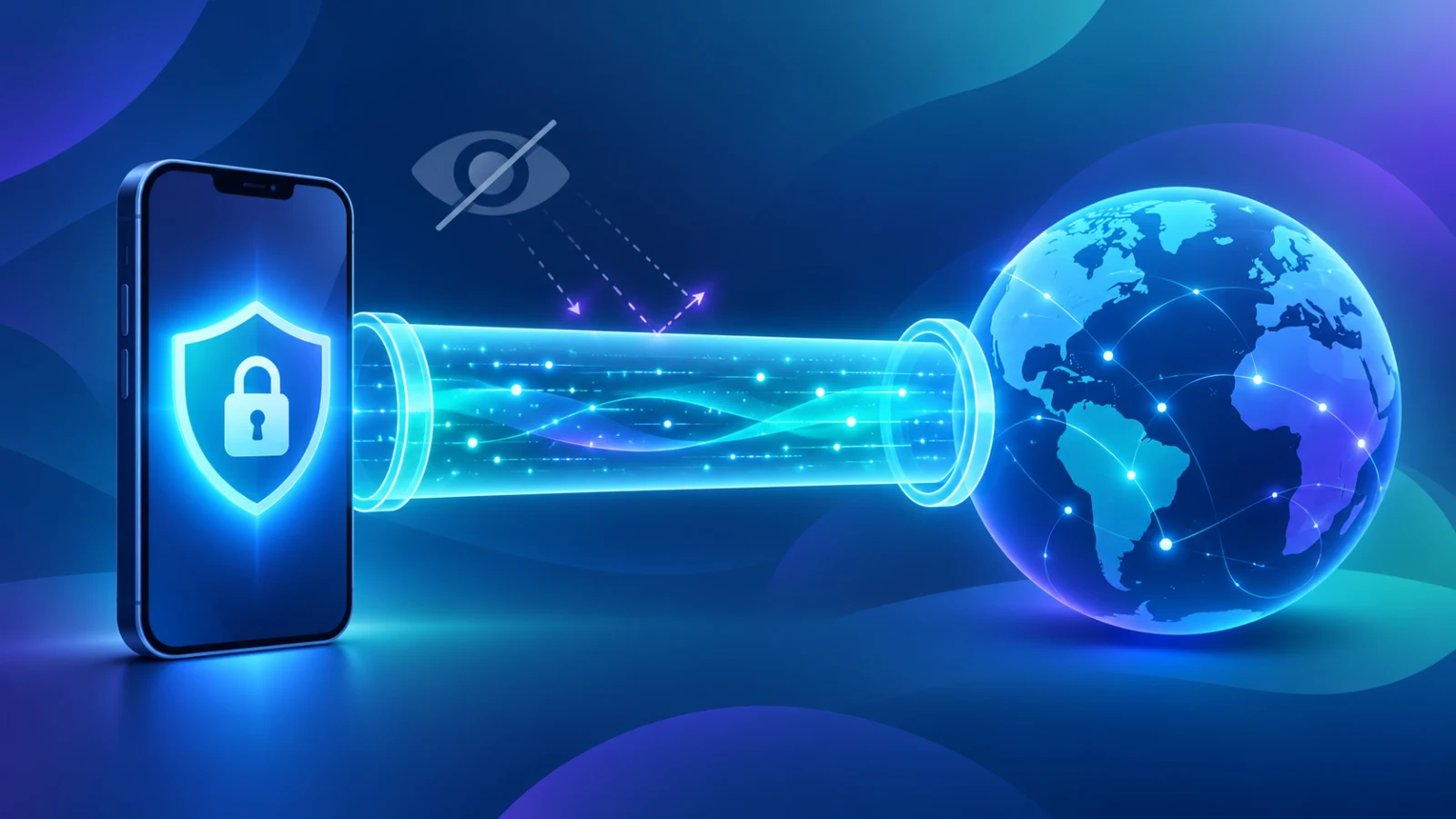
- Your traffic is encrypted. Your device wraps your data in an encrypted “tunnel” before it leaves your phone or computer.
- It travels to a VPN server first. Your ISP sees only that you are connected to a VPN server, not which websites you are visiting inside the tunnel.
- The VPN server connects to the website for you. The website sees the VPN server’s IP address instead of yours.
That simple swap is the core of everything a VPN does. Every benefit and every limitation in this article comes from those three steps.
7 Things a VPN Actually Protects
1. Your Real IP Address
This is the most basic benefit. Websites, ad networks, and online games normally see your real IP address. With a VPN active, they see the VPN server’s address instead. This makes it harder for a website to link your visit to your home network or your exact area.
2. Your Browsing Activity From Your ISP
Without a VPN, your ISP can log the domains you visit. Some ISPs use this data for analytics, advertising, or because local rules require them to keep records. With a VPN, your ISP sees only an encrypted connection to the VPN server. The content and destinations of your traffic are hidden from them.
3. Your Data on Public Wi-Fi
Cafes, airports, hotels, and libraries often run open Wi-Fi networks. On a poorly secured network, someone else on the same network may be able to snoop on unencrypted traffic. A VPN encrypts everything between your device and the VPN server, which makes this kind of local snooping far less useful to an attacker.
Note that most websites now use HTTPS, which already encrypts the content of your visit. A VPN adds another layer, and it also hides which sites you are visiting from the local network.
4. Your Approximate Location
Because websites see the VPN server’s IP address, your apparent location becomes the server’s location. This is why people use a VPN to see how a website looks from another country, to compare regional prices, or to reach content that is available only in certain regions. Always check the terms of the service you are using, because some platforms restrict this.
5. Traffic-Based Throttling
Some ISPs slow down specific types of traffic, such as video streaming or large downloads. If your ISP cannot see what kind of traffic you are using, it cannot easily single it out. A VPN can sometimes improve speeds in this situation, though it can also slow things down because of the extra routing, so results vary.
6. Your Activity on Untrusted Networks
Shared networks in dormitories, co-working spaces, and rented apartments mean you do not control who else is connected. A VPN reduces what other people on that network can observe about your online activity.
7. Your Search and Streaming Habits From Network Administrators
On school, office, or shared networks, the network owner can often see which sites devices connect to. A VPN hides the destinations of your traffic from the local network. Be aware that bypassing rules set by a school or employer may violate their policies, so use good judgement.
5 Things a VPN Does Not Hide
This is the section most guides skip, and it is the most important one if you want real privacy.
1. Accounts You Log Into
If you log into Google, Facebook, Instagram, or any other account while using a VPN, that service knows exactly who you are. A VPN hides your IP address, but it cannot hide your identity from a service you are signed into. Your searches, likes, and activity are still tied to your account.
2. Cookies and Trackers
Cookies are small files that websites store in your browser to recognise you later. They do not care about your IP address. If a website set a cookie during an earlier visit, it can still recognise you on the next visit even when you are connected through a VPN. Advertising trackers work in a similar way, which is why you may still see targeted ads.
3. Browser Fingerprinting
Even without cookies, websites can build a profile of your device from details such as your screen size, installed fonts, language settings, browser version, and time zone. Combined, these details can be surprisingly unique. A VPN does not change any of them. Privacy-focused browsers and anti-tracking settings help with fingerprinting far more than a VPN does.
4. Malware and Phishing
A VPN encrypts your connection. It does not scan files, block malicious attachments, or stop you from entering your password on a fake login page. If you download an infected file or click a phishing link, the VPN will not save you. Good security habits and updated software are still essential.
5. What the VPN Provider Itself Can See
A VPN does not make your traffic invisible. It moves the trust from your ISP to the VPN provider. In theory, the provider sits in the middle and could see or log your connection details. This is why the provider’s privacy policy, logging practices, and reputation matter so much.
Quick Comparison: With and Without a VPN
| What someone can see | Without a VPN | With a VPN |
|---|---|---|
| Your real IP address | Websites can see it | Hidden (VPN server IP shown) |
| Sites you visit (from your ISP) | Visible to your ISP | Hidden from your ISP |
| Traffic on public Wi-Fi | Exposed to local snooping | Encrypted |
| Accounts you are logged into | Recognised | Still recognised |
| Cookies and trackers | Active | Still active |
| Browser fingerprint | Visible | Still visible |
Free VPN vs Paid VPN: What to Check
Running VPN servers costs real money for bandwidth, hardware, and maintenance. That raises an obvious question about free services: how do they pay for it? There are several possible answers, and not all of them are good for your privacy.
- Advertising: Some free VPNs show ads, which is usually fine if it is clearly disclosed.
- Limited free tiers: Some offer a small free allowance to encourage you to upgrade, which is a reasonable business model.
- Selling or sharing data: Some less trustworthy services log your activity and sell it to third parties. This defeats the purpose of using a VPN.
Before trusting any VPN, whether free or paid, check these points:
- Read the privacy policy. Look for clear statements about what is logged and for how long.
- Look at the permissions it requests. A VPN does not need access to your contacts or messages.
- Check who is behind it. A named company with a website, support contact, and update history is a better sign than an anonymous publisher.
- Read recent reviews. Look for patterns such as disconnections, misleading claims, or privacy complaints.
- Be wary of exaggerated promises. Phrases like “100% anonymous” or “unhackable” are red flags, because no honest provider can promise that.
A Developer’s Perspective: The Most Common Misunderstanding
As someone who has worked on VPN applications as a mobile developer, the most common misunderstanding I see is that users treat a VPN as a one-tap solution to every privacy problem. They connect, assume everything is protected, and then feel confused when they still see targeted ads or get recognised by a website.
The truth is that a VPN solves one specific problem very well: it protects the path your data takes between your device and the wider internet. It does not control what you share once you log in, what your browser reveals about itself, or what you choose to download. Understanding that boundary is what turns a VPN from a false sense of security into a genuinely useful tool.
How to Check If Your VPN Is Leaking
Even a good VPN can sometimes leak information because of a configuration problem. A simple test takes about two minutes.
- Note your real IP address by searching “what is my IP” while the VPN is turned off.
- Turn the VPN on and connect to a server.
- Check your IP again. It should now show a different address and location.
- Run a DNS leak test using a reputable online testing service. The results should show your VPN provider’s DNS servers, not your ISP’s.
- Test a connection drop. Briefly switch between Wi-Fi and mobile data and see whether your real IP appears for a moment. A “kill switch” feature, where available, helps prevent this.
If your real IP or your ISP’s DNS servers appear while the VPN is connected, try a different protocol or server, update the app, or consider switching providers.
When Do You Actually Need a VPN?
A VPN is most useful in these situations:
- Using public or shared Wi-Fi, especially for anything involving logins or payments
- Travelling and wanting a more private connection on hotel or airport networks
- Wanting to stop your ISP from building a record of the sites you visit
- Checking how a website, price, or advertisement appears in another region
A VPN is less useful, or not enough on its own, when your main concern is advertising trackers, account-based tracking, or malware. In those cases, you will get more benefit from a privacy-focused browser, tracker-blocking settings, strong unique passwords, and two-factor authentication.
Building a Stronger Privacy Routine
The best approach is to treat a VPN as one layer in a bigger set of habits rather than the whole solution:
- Use a VPN for connection privacy on untrusted networks.
- Use a privacy-focused browser or enable strict tracking protection.
- Clear or block third-party cookies regularly.
- Use a password manager and turn on two-factor authentication for important accounts.
- Keep your device and apps updated to close known security holes.
- Be careful with links and downloads to avoid phishing and malware.
Frequently Asked Questions
Is using a VPN legal?
In most countries, using a VPN is legal. However, a few countries restrict or regulate VPN use, and using a VPN to commit an illegal act is still illegal. Check the rules where you live.
Does a VPN make me completely anonymous?
No. A VPN hides your IP address and encrypts your connection, but it does not hide the accounts you log into, your cookies, or your browser fingerprint. It improves privacy but does not provide full anonymity.
Will a VPN slow down my internet?
Often slightly, because your traffic takes an extra step through the VPN server and is encrypted. The effect depends on server distance, server load, and your base connection speed. Choosing a nearby server usually gives better speeds.
Can a VPN protect me from hackers?
It can protect your data from being intercepted on an unsafe network. It cannot protect you from malware, phishing, or weak passwords. Think of it as protection for the connection, not for the device itself.
Do I need a VPN on my phone as well as my computer?
If you often use public Wi-Fi or untrusted networks on your phone, a VPN can help there too. The same benefits and limits apply on every device.
Final Thoughts
A VPN is a practical tool with a clear purpose: it hides your IP address, encrypts your connection, and keeps your ISP and local network from seeing where your traffic goes. It is genuinely valuable on public Wi-Fi and for everyday connection privacy.
It is not a shield against tracking cookies, account-based profiling, browser fingerprinting, or malware. Once you understand where its protection starts and stops, you can combine it with good browsing habits and make smarter privacy decisions. Real online privacy is built from several small layers, and a VPN is one useful piece of that puzzle.