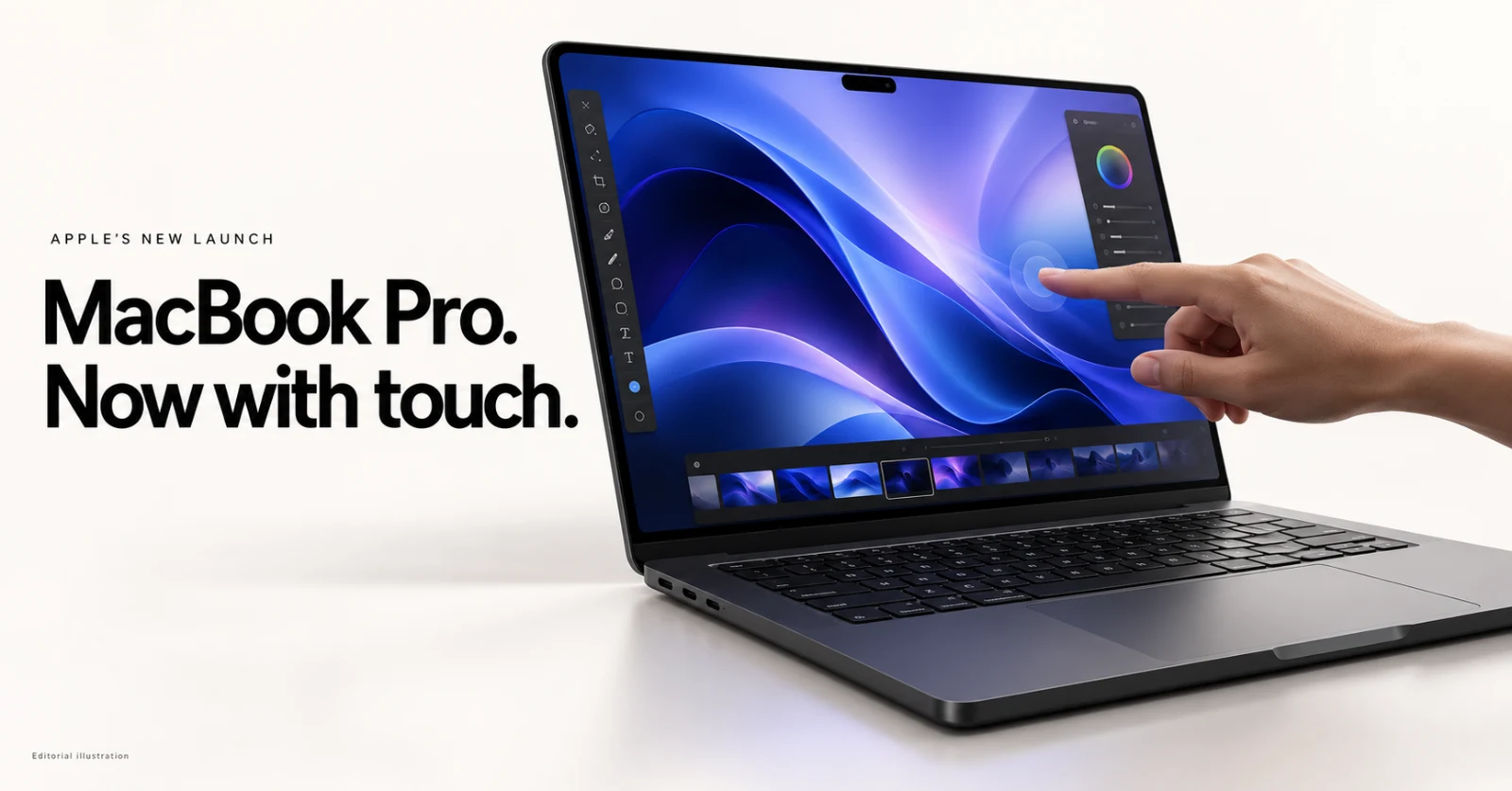
For years, Apple said Mac users don't need a touchscreen. On October 28, 2026, that changed. Apple announced the first touchscreen MacBook Pro, built around a new OLED panel called the PROLED XDR Display. It is a big shift for the Mac, so here is what you get, what it costs, and who should care.
Touchscreen MacBook Pro: Quick Summary
- Announced: October 28, 2026
- Pre-orders: Open now in 30 countries and regions
- Release date: Friday, November 6, 2026
- Sizes: 14-inch and 16-inch
- Chips: M5 Pro and M5 Max
- Starting price: $2,899 (14-inch) and $3,399 (16-inch) in the U.S.
- Software: macOS 27 with Siri AI and Apple Intelligence
Why a Touchscreen MacBook Is a Big Deal
Apple has tried to bring touch-like input to its laptops before. The Touch Bar arrived on the MacBook Pro in 2016, and Apple removed it in 2023. A full touchscreen is a different approach. Instead of a thin strip above the keyboard, the whole display now responds to your fingers.
Apple says the touch sensor is built into the display panel itself instead of being layered on top. The goal is lower latency, so dragging and scrolling feel direct. Apple also redesigned the hinge so the screen stays steadier when you tap it, and the camera feed is stabilized during video calls.
How Touch Works on macOS 27
Apple is not turning the Mac into an iPad. Touch is meant to work alongside the keyboard and trackpad. Everyday gestures include:
- Swiping to scroll a webpage
- Pinching to zoom into a photo
- Dragging slides between presentations
- Double-tapping a window to fill the screen, or flicking it to tile
Existing apps should work with touch from day one, because macOS translates taps into clicks. Developers also get updated gesture APIs to build touch-first features. Apple names Notion, Canva, Zoom, Microsoft Office, Adobe Lightroom, DaVinci Resolve, Blender, Cinema 4D, ZBrush, Shapr3D, and djay Pro as apps adding support. Apple notes that the third-party apps on that list arrive later this year, so some will not be ready on launch day.
The creative uses are the most interesting part. Designers can draw on the whole screen instead of a trackpad-sized area, musicians can play software instruments on screen, and iOS or iPadOS developers can test touch behavior directly on the Mac.
PROLED XDR Display: Specs That Matter
The touchscreen gets the headlines, but the display is the other half of this upgrade. The PROLED XDR panel uses tandem OLED technology, which stacks two light-emitting layers. According to Apple, it reaches:
- Brightness: up to 2,000 nits peak, for both HDR and SDR content
- Contrast ratio: 10,000,000:1
- Refresh rate: adaptive from 10Hz up to 120Hz
- Color: P3 and Adobe RGB, with more than 80 percent Rec. 2020 coverage
- Screen size: 14.2 inches and 16.3 inches, thanks to slimmer borders
There is also a nano-texture option, now etched into the cover glass, to cut glare. Photographers, colorists, and video editors will notice the new reference modes and the Apple Pro Display Calibrator. Apple also added DICOM reference modes for reviewing medical images, but only for non-diagnostic, research, and educational use.
The notch is gone. A Dynamic Island, like the one on iPhone, now sits at the top of the screen. It handles Spotlight, Live Activities, and Siri AI, so you can control music or accept an AirDrop with a tap.
M5 Pro and M5 Max Performance
Inside are Apple's most powerful laptop chips so far. Both support up to 128GB of unified memory, and storage now goes up to 16TB. Each GPU core has a Neural Accelerator for on-device AI work, and the GPU adds a third-generation ray-tracing engine.
- M5 Pro targets developers, engineers, scientists, and video editors working with several 8K ProRes streams.
- M5 Max is for 3D and VFX artists, AI developers, and composers. Apple says it can run large language models with hundreds of billions of parameters entirely on the device.
Design, Battery, Ports, and Audio
- Weight: the 14-inch is 3 lb (half a pound lighter) and the 16-inch is 4 lb (0.7 lb lighter).
- Thickness: about half a millimeter thinner on the 14-inch and nearly a millimeter thinner on the 16-inch.
- Battery: up to 24 hours, based on Apple's own testing, and fast charging to 50 percent in about 30 minutes.
- Ports: three Thunderbolt 5 ports, HDMI, an SDXC card slot, MagSafe, and a headphone jack.
- Wireless: Wi-Fi 7 and Bluetooth 6.
- Audio: six speakers with a new woofer that Apple says gives 50 percent deeper bass.
- Camera: 12MP Center Stage camera, plus Touch ID.
Keeping the full set of ports on a thinner body is a real plus for working professionals.
Touchscreen MacBook Pro Price in the U.S.
| Model | Starting price | Education price |
|---|---|---|
| 14-inch, M5 Pro | $2,899 | $2,749 |
| 16-inch, M5 Pro | $3,399 | $3,199 |
| 14-inch, M5 Max | $4,499 | $4,199 |
| 16-inch, M5 Max | $4,799 | $4,499 |
Apple also offers leasing through Apple Upgrade from $55.99 a month for 36 months, plus trade-in credit and Apple Card Monthly Installments. Prices outside the U.S. will differ, so check your local Apple Store.
Touchscreen MacBook Pro vs. the New M6 MacBook Pro
This launch came one day after Apple introduced a standard MacBook Pro with the M6 chip, starting at $1,999, according to TechCrunch. That model does not have the OLED touchscreen. If you want the newest display and touch input, the new model is the one to look at. If you mainly want a fast, reliable laptop at a lower price, the M6 model is the easier value pick.
Should You Buy It?
It makes sense if you:
- Edit photos or video and care about display accuracy and HDR
- Draw, design, or work in 3D and want to use the screen directly
- Make music and want an on-screen instrument
- Develop iOS or iPadOS apps and want to test touch on a Mac
- Need a lighter pro laptop that still has full ports
You might wait or choose another model if you:
- Mostly browse, write, or code, where touch is a nice extra and not a must-have
- Are on a tighter budget, since the entry price is well above the M6 model
- Want to see independent reviews first, because the battery, brightness, and touch latency numbers all come from Apple
- Live in a region where Siri AI is limited. It is in beta, supports only some languages, and is unavailable in the EU on some platforms
Frequently Asked Questions
Does the new MacBook Pro have a touchscreen?
Yes. It is the first Mac with a built-in touchscreen, and it works alongside the keyboard and trackpad.
When is the touchscreen MacBook Pro release date?
Pre-orders opened on October 28, 2026, and the first units arrive on Friday, November 6, 2026.
How much does the touchscreen MacBook Pro cost?
In the U.S., it starts at $2,899 for the 14-inch with M5 Pro and $3,399 for the 16-inch with M5 Pro. M5 Max models start at $4,499 and $4,799.
What chips does it use?
M5 Pro or M5 Max, with up to 128GB of unified memory and up to 16TB of storage.
Does it replace the notch?
Yes. A Dynamic Island now handles Spotlight, Live Activities, and Siri AI.
Will my existing Mac apps work with touch?
Many will, because macOS converts touches into clicks. Apps built specifically for touch will arrive over time.
Final Thoughts
The touchscreen MacBook Pro is Apple's biggest Mac change in years. The tandem OLED display and the lighter body are strong upgrades on their own, and touch adds new options for creative work. Real-world reviews will show how well touch fits into a laptop workflow, but for creators and developers this is the most interesting MacBook Pro in a long time.
Sources: Apple Newsroom (October 28, 2026) and TechCrunch (October 28, 2026). All specs and battery figures are Apple's claims.